STPDBTCHRobot Studio

Hand the robot a photo.

It paints it stroke by stroke, in oils, pencil, or pen and watercolour. Your photo stays on your device.

Pick a style

Choose a photo to start. Faces, pets and buildings come out best.

Warming up the studio

How it works

  1. You pick a photo. It is read in this browser tab and never uploaded anywhere.
  2. The studio plans the painting. It finds the edges, the big shapes and the colour masses, then breaks them into thousands of brush, pencil or pen strokes.
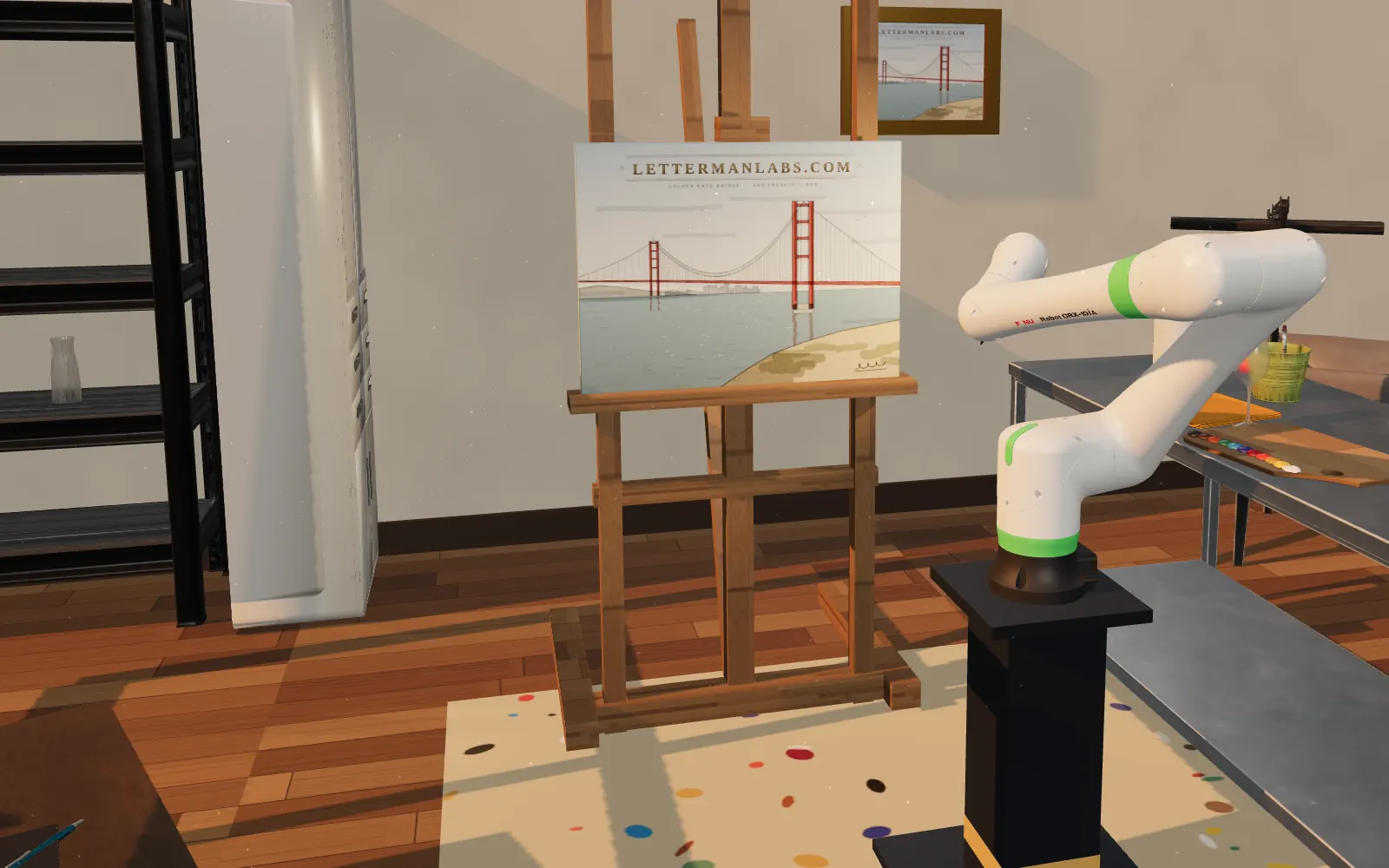
  3. The robot paints. A FANUC CRX-10iA cobot works through the plan: it mixes paint on the palette, swaps tools at the bench, and signs every piece "LL".

Overloaded brushes drip. That's not a bug. Props and the robot are NVIDIA SimReady assets; credits and licences.